 REPS
The workout log that knows your gym.
REPS Club plans your week and logs every set in seconds. Your plan only has exercises that your gym has the equipment for.
 Androidcoming soon
Free. For iPhone with iOS 26 or later. Android is coming soon.
A workout plan that fits your gym
Most workout plans do not know your gym. You then stand in front of an exercise, and the machine for it is not there.
In REPS you pick your chain or set up your gym yourself. REPS knows the usual equipment of more than 25 gym chains, most of them from Germany and Europe. If you want, the AI estimates the equipment at your location.
After that, each piece of equipment has one of three states. You change it with one tap.
An AI coach that really changes your plan
You write to the coach in your own words. It suggests a change. You tap “Apply”, and the app changes the plan.
- During a workout: Machine taken? The coach swaps the exercise for today only.
- In your plan: a new focus on strength, a new training day or a custom exercise.
- On its own: The coach messages you after a workout with your numbers.
- Your tone: from relaxed to strict. You choose how it talks to you.
Beat your friends.
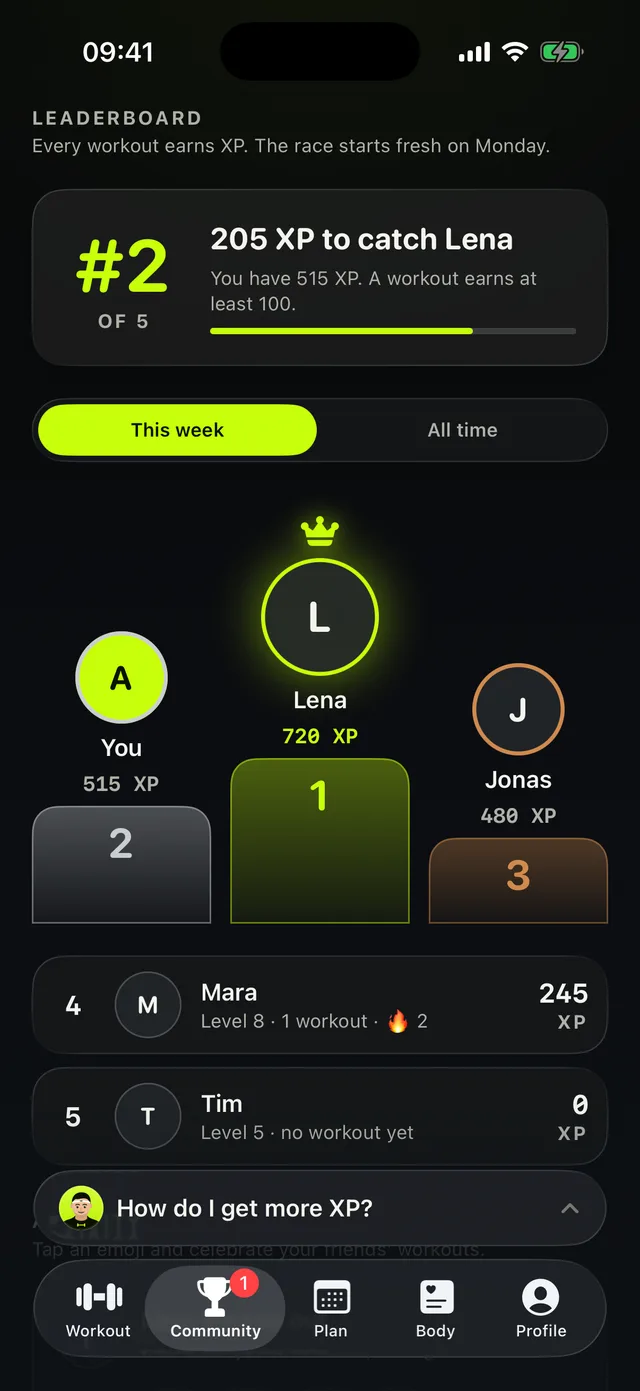
Every workout earns XP. The leaderboard starts again every week.
- You find friends through contacts, an invite link or a code.
- A notification tells you when someone passes you.
- In your crew you chat and share a playlist.
- REPS shares nothing unless you join.
A gym tracker without the typing
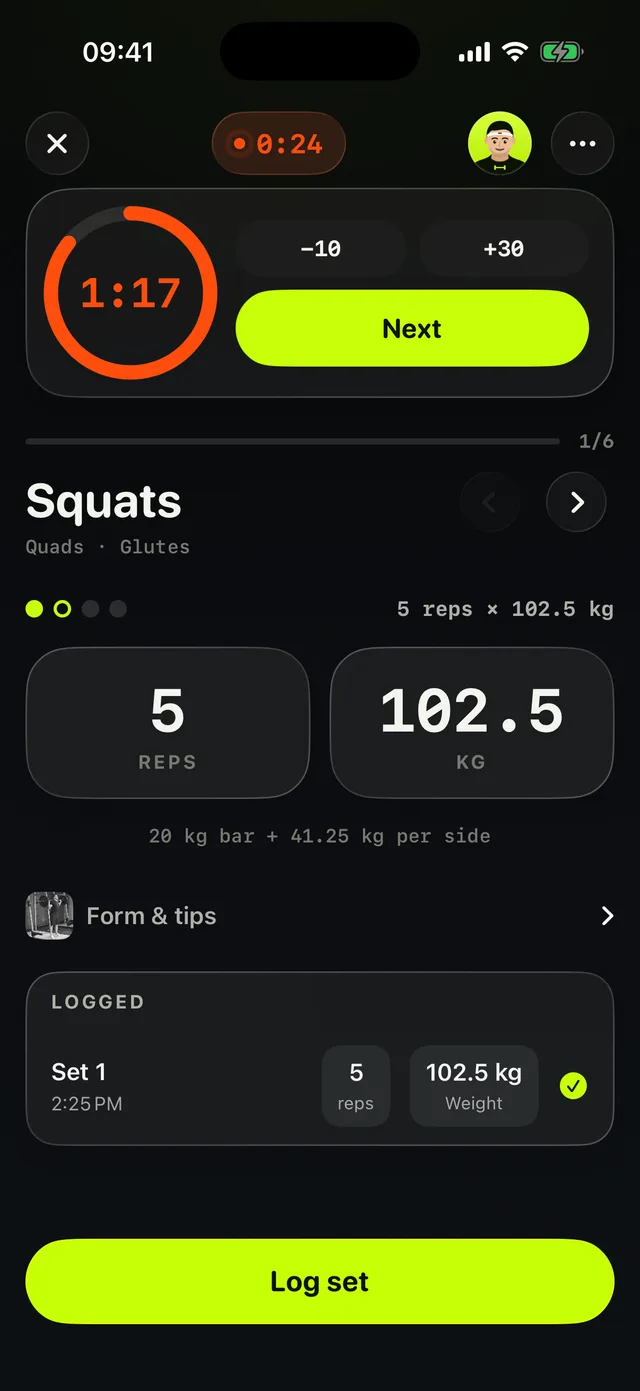
Weight and reps from last time are already filled in. The rest timer starts by itself after every set. The plate calculator shows what goes on each side of the bar.
One tap and your workout starts
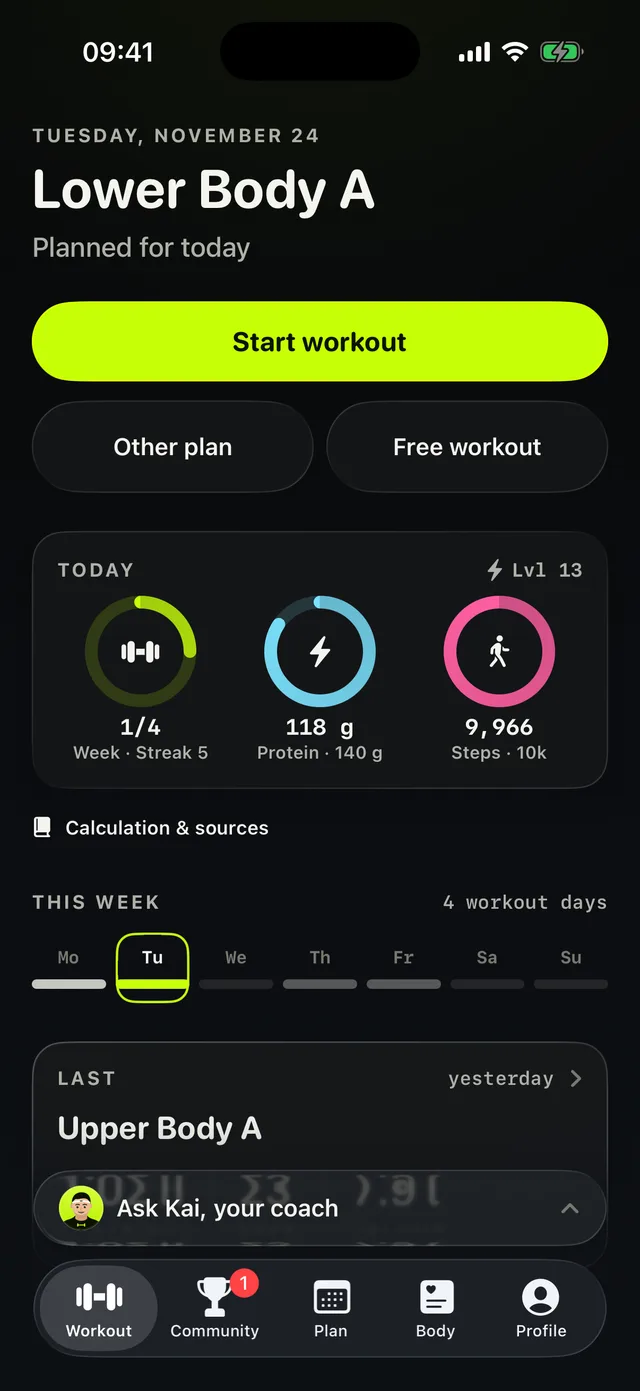
REPS knows what comes next in your split.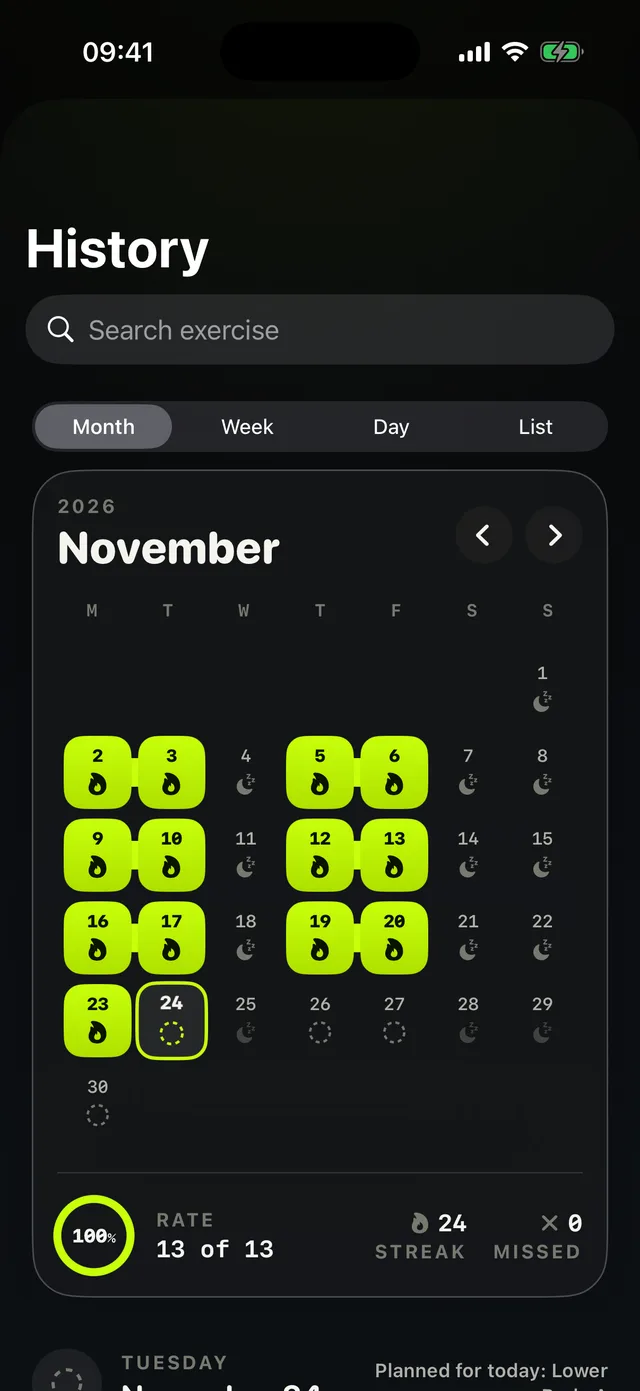
Progress you can see
Every session goes into your history. Plus PRs for each exercise.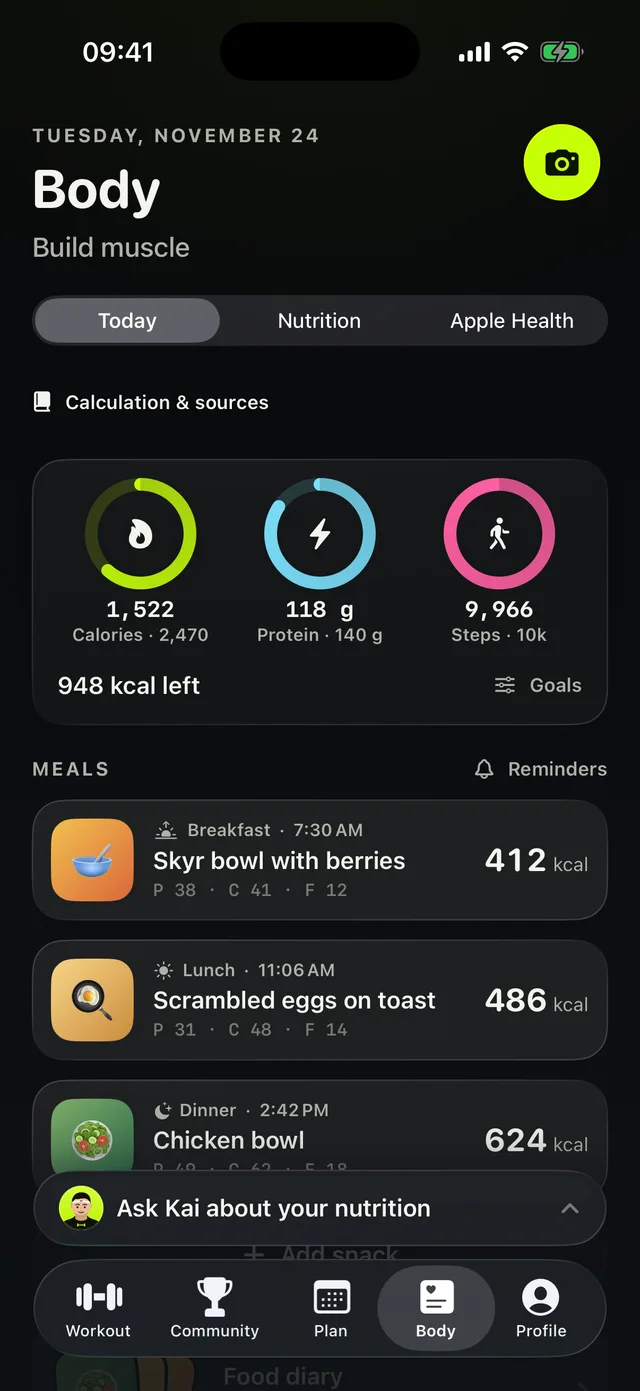
Calories from a photo
Take a photo of your meal, and the AI estimates calories and macros. Part of REPS Pro.What does REPS Club cost?
The download is free. The app shows no ads and uses no analytics services.
Free
- Workout log and weekly plan
- One gym with its equipment
- Leaderboard, crew and chat
- AI coach with five messages per day
- Save workouts to Apple Health
REPS Pro
- Calories and macros from a photo
- Steps, sleep, resting heart rate and weight as charts
- Exercise stats and multiple gyms
- More messages to the coach
- Monthly with one week free, or a one-time purchase for life
Calculators for training and nutrition
Three calculators, free in the browser and without sign-up, in pounds or kilograms.
Questions and help
What does REPS Club cost?
The download is free. The workout log, the weekly plan, one gym, the leaderboard and the AI coach with five messages per day are free. REPS Pro is available monthly with one week free, or as a one-time purchase for life.
Which devices does REPS Club run on?
REPS Club runs on iPhone with iOS 26 or later. The Android app is in the works and is coming soon.
Which gyms does REPS Club know?
REPS knows the usual equipment of more than 25 gym chains, most of them from Germany and Europe. You add any other gym yourself or let the AI estimate its equipment. REPS is not affiliated with any chain.
Do I need an account?
Yes. You sign in with Apple, Google or your email address. Your account backs up your workout data on our server. The privacy policy says exactly what is stored.
How do I back up my data?
Your account backs up your workout data automatically. In addition, you can open Profile → Settings → Export backup. You get a file that you can save in iCloud Drive, for example. Your data is also part of the normal iPhone backup.
How do I change my workout plan?
Under Settings → Split you choose how your week is set up. In the Plan tab you tap a day to see its exercises. With the document icon at the top right you edit your plans: add exercises, change sets and reps. Or you tell the coach what you want to change.
I logged a set by mistake.
During the workout: long-press the set → Delete set. Afterwards: open the session in the History tab and edit or delete the set. You add missing sets there with Add missed set.
What does “My gym” do?
Under Settings → My gym you pick your chain and check off the equipment your gym has. REPS then only plans exercises that you can do there.
How do I delete all my data?
Profile → Settings → Reset local data deletes the data on your iPhone. You delete your account and the backup on the server under Account → Delete account. Neither can be undone. Export a backup first if you want to keep the data.
Your next workout is already in the plan.
Androidcoming soonFree. For iPhone with iOS 26 or later. Android is coming soon.
